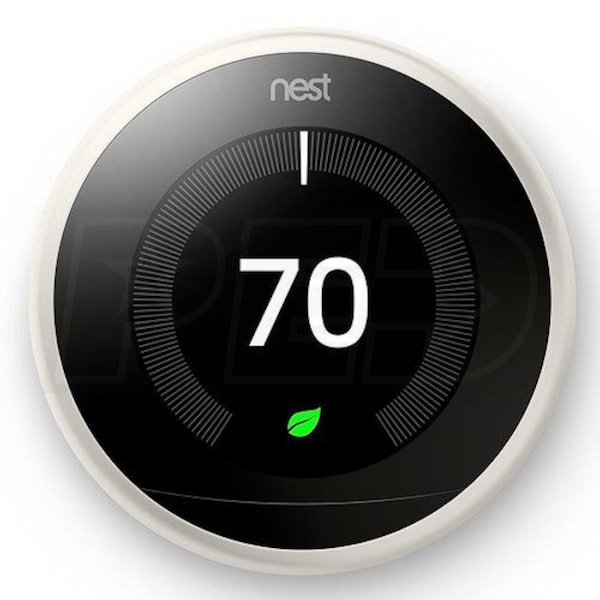
A few months ago, our HVAC company, Around the Clock, told me they would install a free Nest Learning Thermostat in our home. Free. And there was also a $185 LADWP gift card that would be sent for registering the device with the utility.
The tech came to our home. He installed the beautiful modern device on the wall. He waited as I opened the Nest App on my iPhone. Then he showed me how to turn the thermostat to enter the wifi password, which was a tricky kind of maneuver of rotating the dial of the device and punching each number, each letter, each symbol, each CAPITAL LETTER, of my wifi password.
After I opened the app, and tried to connect it to the thermostat, a message came up:
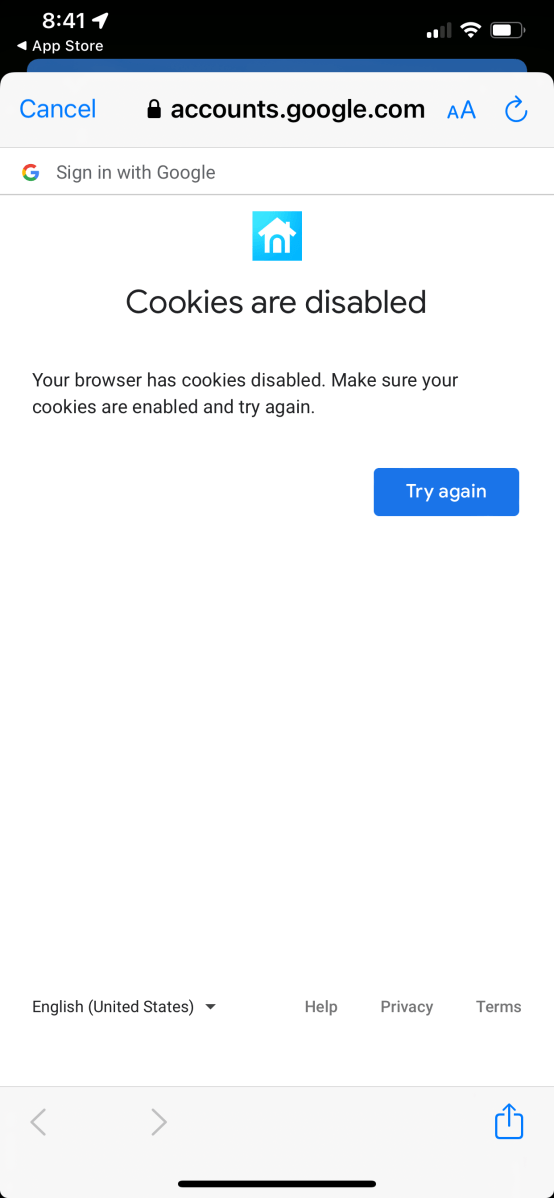
Cookies are disabled.
Your browser has cookies disabled. Make sure your cookies are enabled and try again.
These words would haunt me.
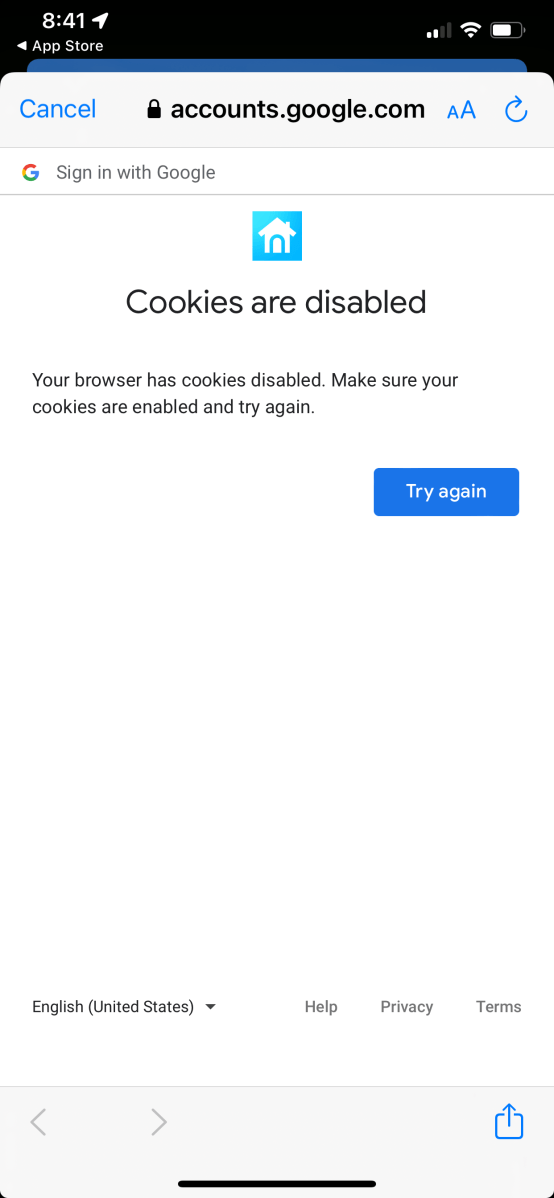
The Nest App on the iPhone would not work unless I enabled all cookies. Whatever that meant.
The tech could not wait around, he had to go to his next appointment, and to be fair, why should he spend his free time as I tried to install the app and make it work and connect it to the thermostat?
So that first afternoon with the new Nest Learning Thermostat, I called Apple and called Nest, and four hours later Nest had me sit down at my desktop computer and sign into Nest.login.com and register the app and the thermostat there. Then, finally, my iPhone app worked with my thermostat.
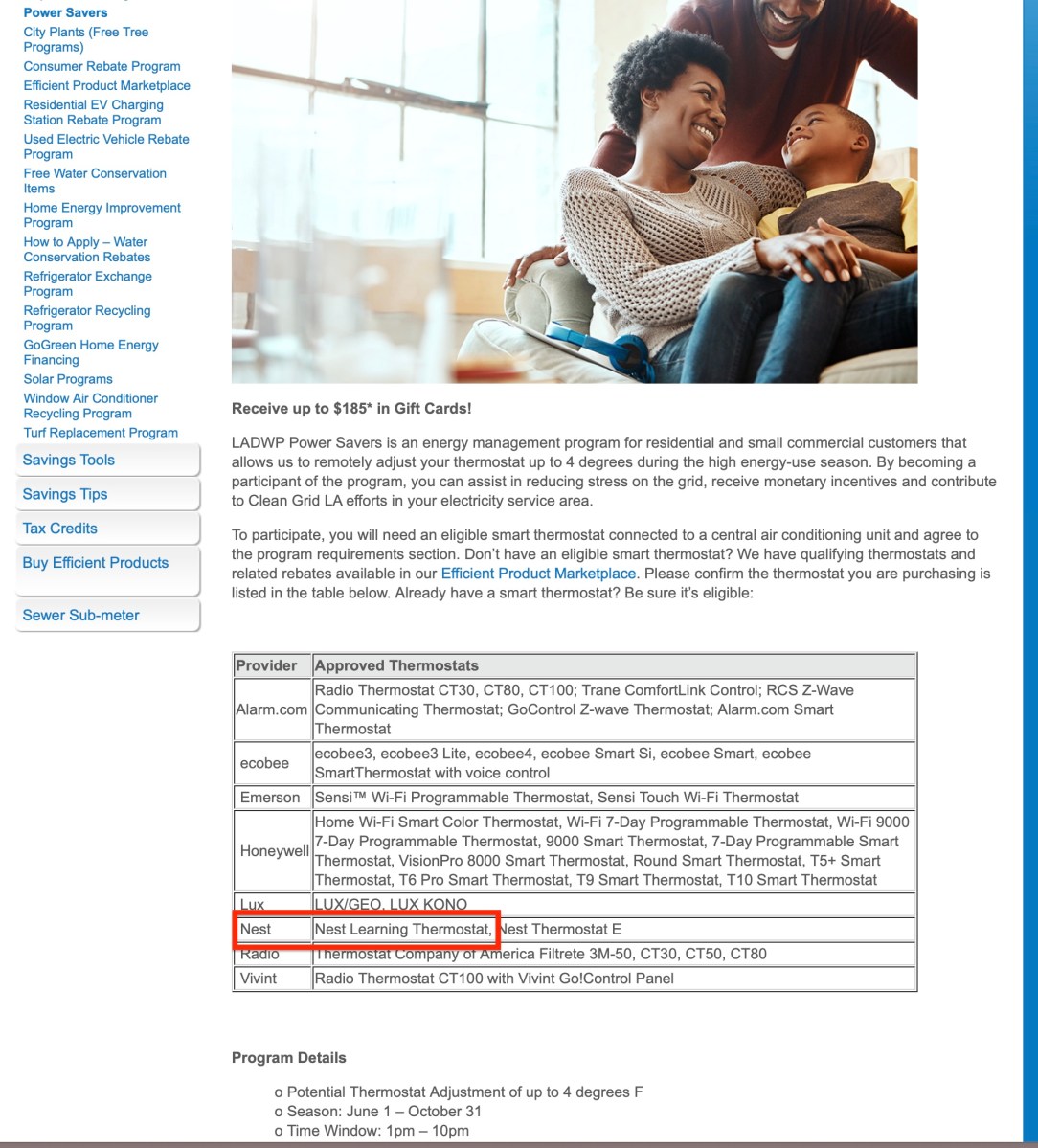
A week later, I signed onto LADWP to register my Nest Learning Thermostat (NLT), to get my $185 gift card. But LADWP said “You have not installed the NLT.” I sent an email to them, and they sent me one back and said there was nothing they could do, that I had to call Nest to get them to connect my thermostat to LADWP.
NLT is an “approved thermostat” and I should be able to register it without any problem online at LADWP.
I called a Nest tech to finally see if someone could troubleshoot the app. The tech had me stand in front of the thermostat and completely erase all the settings, including the tricky, laborious and irritating wi-fi password which had to be entered once again. I had to find the serial number of the device, by turning the dial of the thermostat, and read it over the phone to the tech, and then he guided me, over 45 minutes, in connecting the thermostat to my Nest App on my iPhone.
“Sir, I assure you theez prublem eez soulved,” he said in accent unknown.
Mid-May I had to replace my 2014 home computer router.
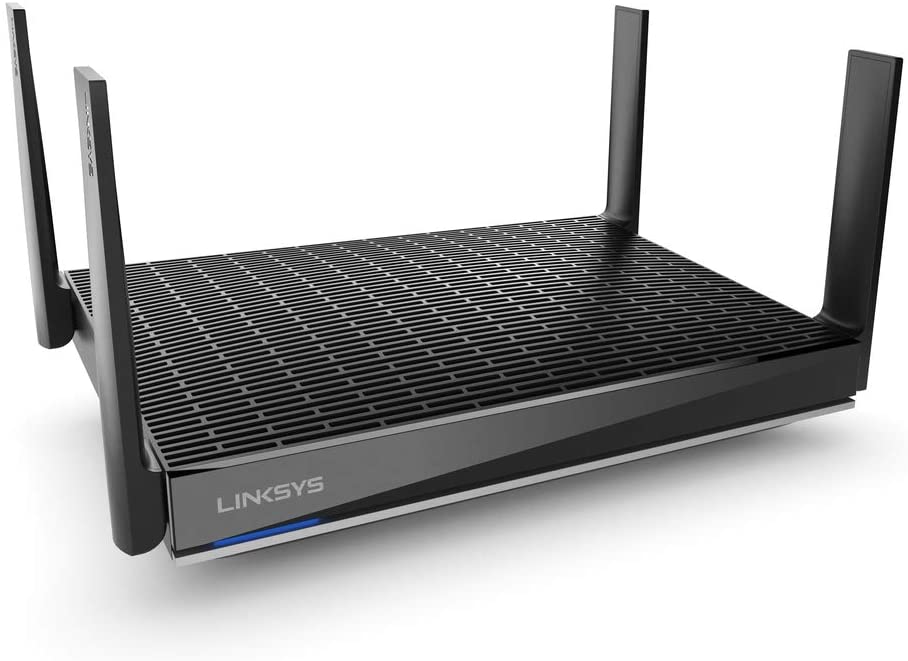
And, of course, after installing the router, when I opened my Nest App, the thermostat was missing from the Nest app. Was there any reason that replacing my home router should somehow be connected to the Nest Thermostat? I had to input the wifi password back into the thermostat, with the tricky, ridiculous, rotating dial and the CAPITAL LETTERS, SYMBOLS, lower case letters, and numbers that comprise my home wifi.
And when I went to reinstall the Nest App. The same error message came up!
I had enough! I no longer would use the Nest App on my iPhone.
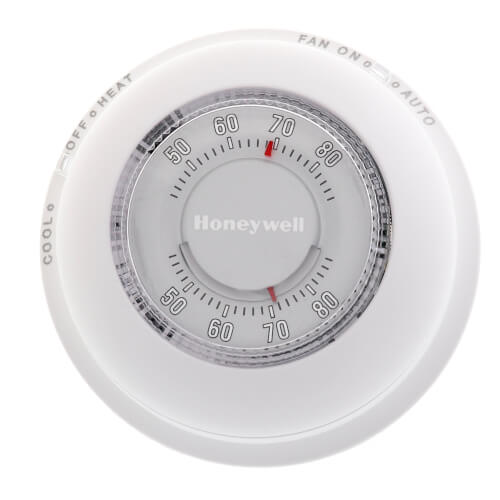
Instead I used the thermostat on the wall, as if it had no smart features, as if it were 1975 and this was the only way to turn it on.
In the past week, the temperatures have gotten hot, there is monsoonal moisture, and the climate is crazy, as we all know.
To save money, I set the thermostat to COOL 78.
But it kept going to COOL 75.
I would turn it to COOL 78.
And it would COOL 75.
I never cool at 75 because I don’t want to pay $3,000 for electricity!
So again, today, I had to call the Nest Tech, on the phone, and he had me once again read my name, my phone number, my email, my Nest Learning Thermostat to him, as if I had never called before.
Turns out I had to go into SETTINGS, to HOME AWAY/ASSIST and choose OFF. The thermostat was “learning” and learning to COOL 75 because this “smart” setting was ON. But I had never turned it ON. I never used anything HOME AWAY/ASSIST.
How could I use a feature HOME AWAY/ASSIST without an APP?
He had me RESET the Thermostat, and said I should “wait 24 hours” to see if the thermostat was unlearning what I had never taught it to learn, and if there were any other problems, he was sending me an email, with a case number to call back to troubleshoot the problem if there were any other problems.
If there is any more trouble, now I know what to do………


 Here in Van Nuys